
Send Messages Even When Institute Server Is Offline #
EasyEdmin’s Hybrid Model keeps the EasyEdmin server hosted at the Institute and synchronises relevant data with the EasyEdmin Cloud. This allows parents to access information through the mobile app 24×7, even when the Institute server is not available.
One limitation of this architecture is that regular messages cannot be sent when the Institute server is switched off or does not have an active Internet connection, as the messaging process normally depends on the Institute server.
To overcome this limitation, EasyEdmin provides Cloud Broadcast.
How Cloud Broadcast Works #
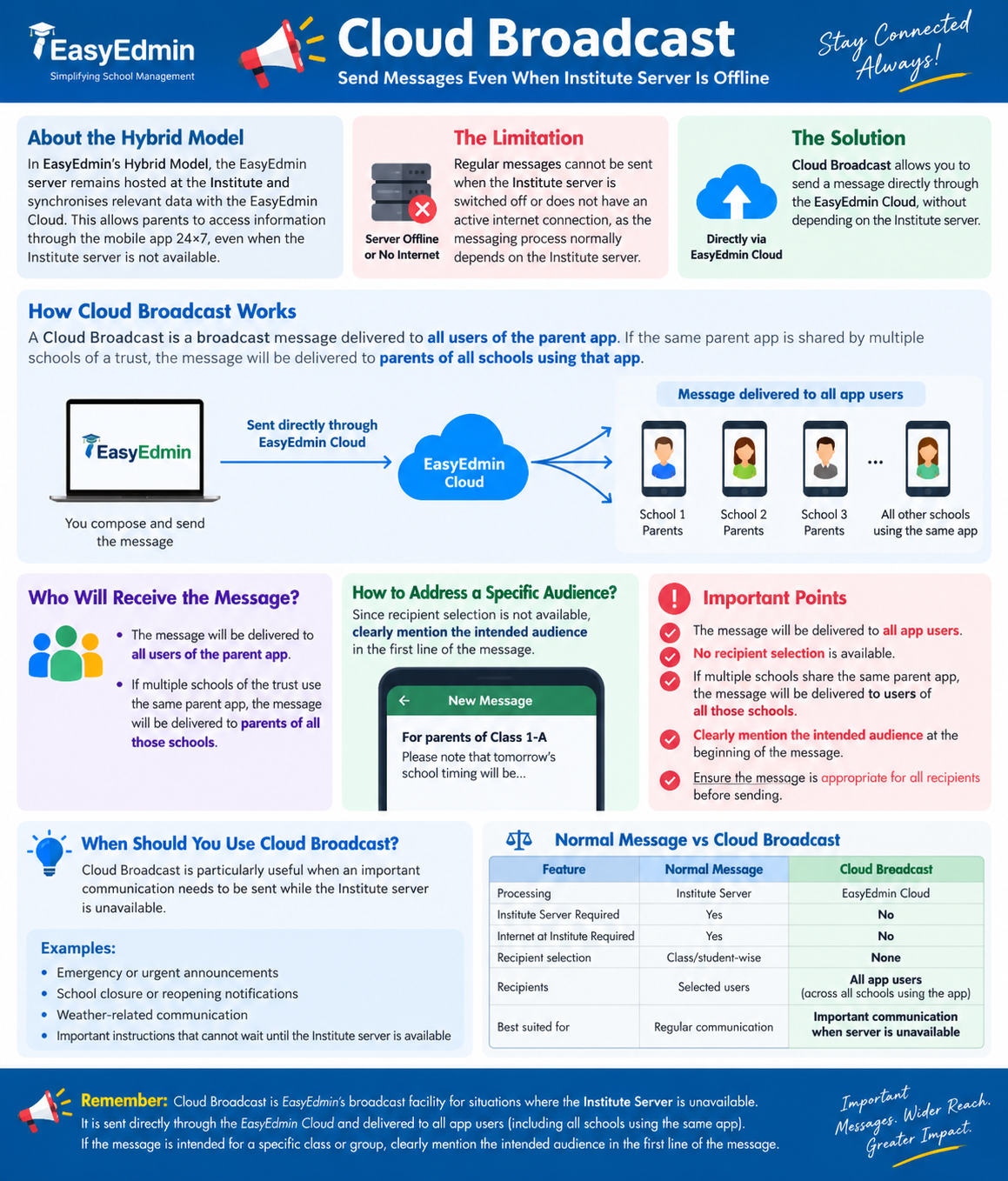
A Cloud Broadcast message is sent directly through the EasyEdmin Cloud, without depending on the Institute’s EasyEdmin server.
Unlike regular messages, a Cloud Broadcast is a broadcast message and is delivered to all users of the Institute’s app. If the same parent app is shared by multiple schools of a trust, the message will be delivered to parents of all schools using that app.
Since the Institute Server is bypassed, EasyEdmin cannot use the Institute’s current class, division, or student-level information to determine specific recipients. Simply compose and send the message, and it will be delivered to all app users.
This means Cloud Broadcast can be used even when:
- The Institute server is switched off.
- The Institute server does not have an active Internet connection.
- The Institute server is temporarily unavailable.
How to Address a Specific Audience? #
Since the message is delivered to all app users, Cloud Broadcast does not support class-wise, division-wise, or student-wise recipient selection.
If the message is intended for a particular group, clearly mention the intended audience in the first line of the message.
For example:
For parents of Class 1-A
Please note that tomorrow’s school timing will be…
or:
For parents of students appearing for the Mathematics examination
Please report to the school at the specified time.
This allows all recipients to immediately understand whether the message is relevant to them.
Important #
Before sending a Cloud Broadcast, please remember:
- The message will be delivered to all app users.
- No recipient selection is available.
- If the message is intended for a specific class or group, clearly mention the intended audience at the beginning of the message.
- Use Cloud Broadcast primarily for important communication that needs to be sent while the Institute Server is unavailable.
Please Note #
Cloud Broadcast does not support school-wise, class-wise, division-wise, or student-wise recipient selection. If multiple schools share the same parent app, the message will be delivered to users of all those schools. Please ensure that the message is appropriate for all recipients before sending.
When Should Cloud Broadcast Be Used? #
Cloud Broadcast is particularly useful when an important communication needs to be sent while the Institute Server is unavailable.
For example:
- Emergency or urgent announcements
- School closure or reopening notifications
- Weather-related communication
- Important instructions that cannot wait until the Institute Server is available.
For routine communication where precise class-wise or student-wise targeting is required, continue using the regular messaging facility.
Normal Message vs Cloud Broadcast #
| Normal Message | Cloud Broadcast | |
|---|---|---|
| Processing | Institute Server | EasyEdmin Cloud |
| Institute Server Required | Yes | No |
| Internet at Institute Required | Yes | No |
| Recipient selection | Class/student-wise | None |
| Recipients | Selected users | All app users |
| Best suited for | Regular communication | Important communication when server is unavailable |
Remember #
Cloud Broadcast is EasyEdmin’s broadcast facility for situations where the Institute Server is unavailable. It is sent directly through the EasyEdmin Cloud and delivered to all app users.
If the message is intended for a specific class or group, clearly mention the intended audience in the first line of the message.


